TikTok Emojis: Most Popular and Why Users Love them
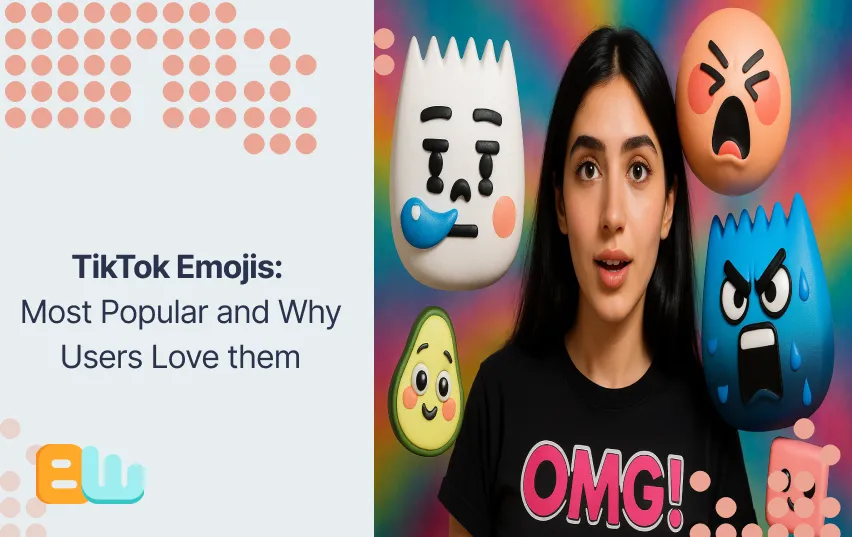
Tiny faces, giant feels, TikTok emojis speak louder than words, especially when Gen Z wants you to feel the vibe.
On TikTok, a single emoji can do what a full sentence can’t. A red heart sends instant love. The crying face turns drama into comedy. Even the tongue emoji adds a wink of playfulness. These tiny icons shape how creators connect, react, and build viral moments every day.
In this article you will read:
- What each emoji means
- What are the hidden codes and how to use them
- What is the reason behind the GenZ obsession with these emojis
What Are TikTok Emojis?
TikTok, like any other social media platform, decided to add emojis to their tools but they decided to add their own little TikTok twist. You’ve seen hearts, tears, and smirks before, but on TikTok, emojis act more like emotional cues designed to gain thousands of likes with just the use of 1 well placed emoji in the comment section than decorative pieces.
TikTok uses two main types of emojis:
- Standard Unicode emojis → the ones you find on your phone’s keyboard, like ❤️ or 😭.
- Hidden shortcode emojis → TikTok’s special versions you type using brackets, such as [smile] or [cool].
Shortcodes are unique to TikTok. When you type them, the app transforms the code into a native-style emoji that feels platform-exclusive. This keeps posts fresh, personalized, and native to the community’s creative style.
Display Differences and Platform Quirks
TikTok emojis don’t always look the same everywhere. The same emoji code can render differently on iOS, Android, and web, changing color tones or facial details. This means your [cry] emoji might appear softer on iPhone and sharper on Android.
If you use automated cross platform posting tools then it’s best to use stable cross-platform emojis, so you’d end up with a cohesive look. But if you have a little bit of time on your hands then TikTok’s hidden emojis are the best way to go.
How to Use Hidden TikTok Emoji Codes (Step-by-Step)
If you know the TikTok secret emoji codes then you are a certified internet insider. You can now show off your Gen Z skills to everyone in your captions and comments. You’ve probably seen creators drop little animated icons that you can’t find on your phone’s keyboard. Those are hidden emojis, and yes, you can use them too.
Here’s how to unlock them:
- Open the caption or comment field.
- Type the shortcode name inside square brackets. For example, type [smile].
- Hit the spacebar or press enter. The code instantly turns into a hidden emoji.
- If it doesn’t change, no stress, copy and paste the shortcode from a verified list.
Once you learn these codes, your posts instantly look more native, more fluent, and more you.
TikTok’s Secret Emojis: Visual Guide & Emotional Codes
TikTok’s secret emojis let users express a wide range of emotions and reactions. Try using these secret codes to make your TikTok experience a little more fun.
Positive & Joyful Emojis
- [smile]

- [happy]

- [joyful]

- [cute]

- [smileface]

- [laugh]

- [laughwithtears]

- [hehe]

- [blink]

- [thinking]

- [surprised]

- [stun]

- [wow]

- [lovely]

- [pride]

- [proud]

- [complacent]

- [evil]

- [angel]

- [loveface]

- [yummy]

Sad, Embarrassed & Angry Emojis
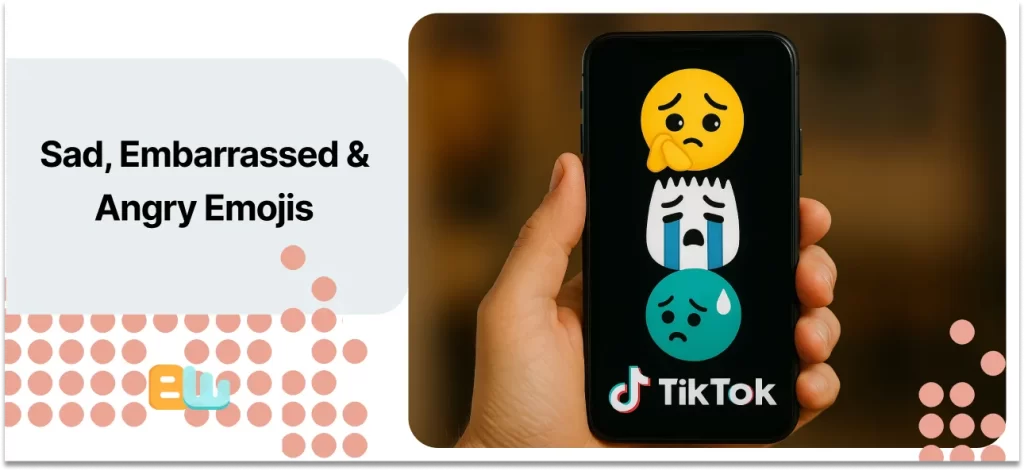
- [cry]
- [angry]
- [embarrassed]
- [sulk]
- [tears]
- [wronged]
Cool, Confident & Mischievous Emojis
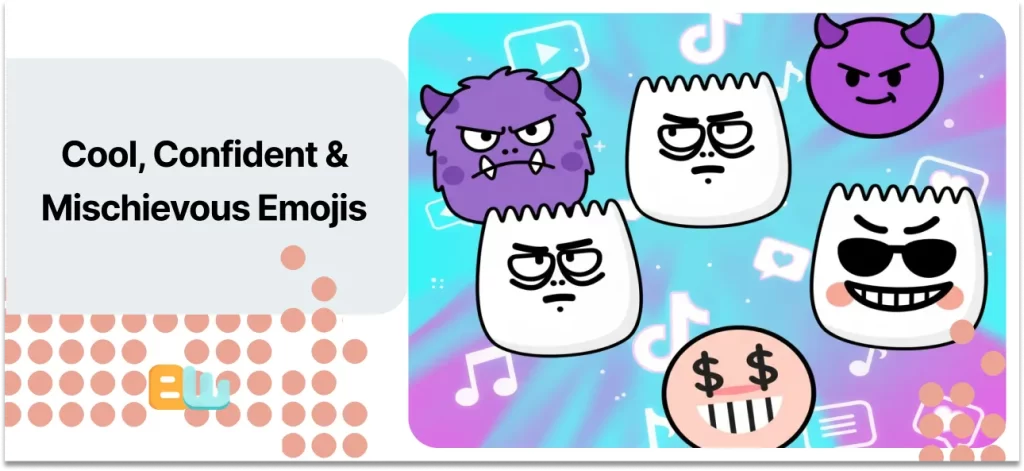
- [cool]
- [excited]
- [wicked]
- [facewithrollingeyes]
- [evil]
- [disdain]
- [greedy]
Shocked, Speechless & Awkward Emojis
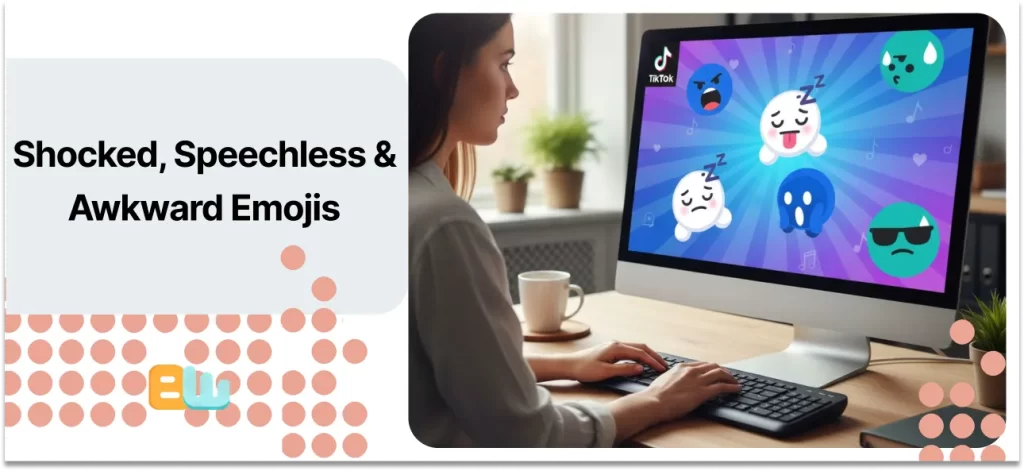
- [scream]
- [speechless]
- [shock]
- [stun]
- [awkward]
- [nap]
Why Users Love These Emojis: The Psychology & Gen Z Appeal
Emojis work like emotional shorthand. In one tap, you express a whole mood, no full sentence needed. Gen Z uses them to capture tiny micro-feelings in seconds. They don’t just decorate messages; they translate emotion fast.
TikTok’s most-loved emojis lean into what psychologists call cute aggression, that mix of sweetness and intensity that makes you say, “It’s so cute I can’t stand it.” Think soft pink tones, blushing faces, and sparkly eyes. These visuals match Gen Z’s “soft girl” and “e-girl” aesthetics, where gentle colors and exaggerated reactions rule.
Then there are the emotional extremes. 😭 shows comic exaggeration, when something’s “so funny you cry.” 💀 signals a kind of digital collapse, “I’m dead” as shorthand for total amusement. This duality keeps conversations fast and expressive.
Using hidden emoji codes also acts as cultural signaling. When you drop a secret code like [smilecat], you show you’re in the know, part of the platform’s inside crowd.
On Reddit’s r/Emoji thread, one user summed it up: “It’s not cringe, it’s code for how we actually feel.” Which is why Gen Z keeps using them, in the digital age, they make the conversation online feel more human.
Best Practices & Pitfalls: Using TikTok Emojis Wisely
Your goal should be entertaining your audience but you should also prioritize clarity and avoid clutter.
Here’s a quick checklist to help you use them like a pro:
- Use 1 to 3 emojis per caption
- Tone match the emoji’s to your message. Don’t go dropping [wicked] in a heartfelt post
- Do not forget accessibility so make sure to add an alt text
- Test if the codes work on iOS and Android both
- Double-check cultural meanings
Follow these steps, and your emojis enhance your story instead of stealing the spotlight.
Wrap-Up & Pro Tips
TikTok emojis are like a hidden micro language, the hidden codes make them fun and encourage people to use them. Adding to their popularity. You will find many people who garnered thousands of likes by only using the [happy] in a cute video’s comment section.
You can use them as a way to market your account more effectively, try to start your captions with emoji anchors to grab attention, like always run an A/B test for better results and check how your audience reacts and whether they can see them on their devices or not.
FAQ: TikTok Emojis Explained
What do these 🧎🧎🧎🧎 emojis mean on TikTok?
It’s a dramatic show of emotion like “I can’t handle this” or “I’m done” but mostly in a comical sense.
How are people adding special emojis?
They use hidden TikTok emoji codes. Type a shortcode (like [smile]) in captions or comments, then hit space or enter to reveal the hidden emoji.
Why don’t TikTok emojis show up for me?
Update your TikTok app and check your OS. You can also copy the emojis directly from a TikTok emoji list.
