How to Create a Quiz That Engages and Converts: A Step-by-Step Guide for 2025

What if there is a way you could turn casual visitors into curious participants in just a few clicks?
That’s what a quiz can do. It feels simple. It feels fun. But it can also be one of the smartest tools on your website in 2025.
Quizzes stand out because they invite people in. Instead of reading or scrolling, your audience gets to play. They answer questions, see results, and feel part of something. That small interaction builds trust and keeps them engaged.
There’s another reason quizzes matter right now. The way websites collect information is changing. Cookies are fading out. Instead, businesses need something called zero-party data. That’s just a fancy term for information people choose to share. A quiz is one of the easiest ways to collect it, because your audience gives you answers willingly.
The results can be surprising. Most websites convert at about 2.9% (Ruler Analytics, 2025). Quizzes often see much higher completion rates. Typeform reports that nearly half of people who start a quiz finish it. That’s a huge difference.
This guide will walk you step by step through the process. No fluff. No tech barriers. Just a simple guide to creating an engaging quiz that helps your site grow.
Step 1: Start with Your Goal
It’s important to know what you want to achieve with the quiz.
Do you want to collect leads? Drive sales? Teach something? Or just get people engaged? Pick one main goal.
Your goal shapes every decision. It decides the type of questions you ask. It guides the design. It even affects how you share your quiz.
For example, a small boutique might want a quiz that recommends products but a teacher might create one to help students practice for a test. They are both using quizzes, but their goals are widely different.
Knowing your goal keeps your quiz focused and helps you create something that works. Your next steps would also be easier to plan when you have a clear goal in mind.
Step 2: How Do I Make an Online Quiz?
People always participate in online quizzes but not many know how to make one. I have a good news for you; since most platforms work on a drag and drop module there’s no need for technical knowledge
Here’s a simple way to create a quiz:
- Pick a tool
- Typeform, Interact, or Google Forms are good choices.
- Typeform, Interact, or Google Forms are good choices.
- Write your questions
- 5 to 10 clear, short, and easy-to-answer questions.
- 5 to 10 clear, short, and easy-to-answer questions.
- Choose a quiz type
- Personality quiz, product finder, or knowledge test.
- Match the type to your goal.
- Personality quiz, product finder, or knowledge test.
- Share your quiz
- Place it on your website.
- Send it in an email.
- Share it on social media.
- Place it on your website.
Example: A café owner could use Google Forms to ask, “What’s your coffee match?” and share the link on Instagram to get a better idea of what could sell better.
Follow these steps one by one, and you’ll have a working engaging quiz ready in no time.
Step 3: Choose the Right Quiz Type
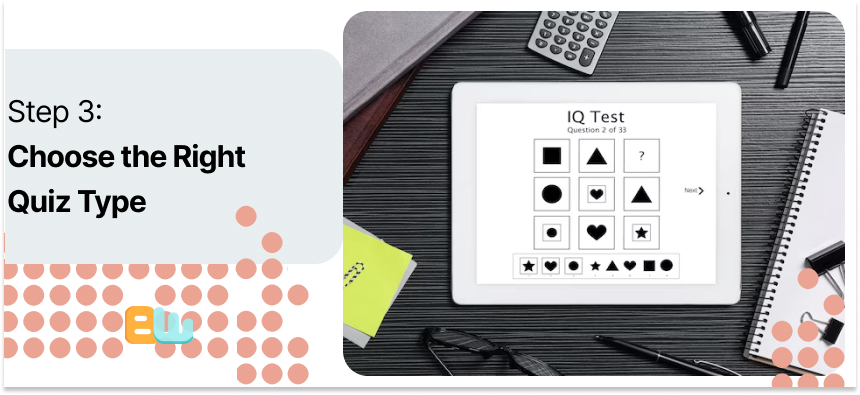
The next important step is choosing the right quiz type because that’s what will make the goals you set in step 1 come true. Your questions, design, and results all depend on the quiz type, so pick wisely to make the rest easier.
Here are the main types of quizzes:
- Personality quizzes
- Fun and shareable, great for engagement.
- People love seeing which category they fall into.
- Fun and shareable, great for engagement.
- Knowledge quizzes
- Test what people know.
- Useful for educational purposes or building authority.
- Test what people know.
- Product finders
- Help visitors pick the right product.
- Perfect for ecommerce or services.
- Help visitors pick the right product.
- Assessments or calculators
- Give a score or personalized result.
- Works for fitness, finances, or skill assessments.
- Give a score or personalized result.
- Educational or graded quizzes
- Great for teachers or anyone creating learning content.
- Can include right/wrong answers and explanations.
- Great for teachers or anyone creating learning content.
Always tie the quiz type back to your main goal. A personality quiz works well for engagement, while a product finder helps drive conversions. Choosing the right type now makes your results more meaningful.
Step 4: Write Good Questions
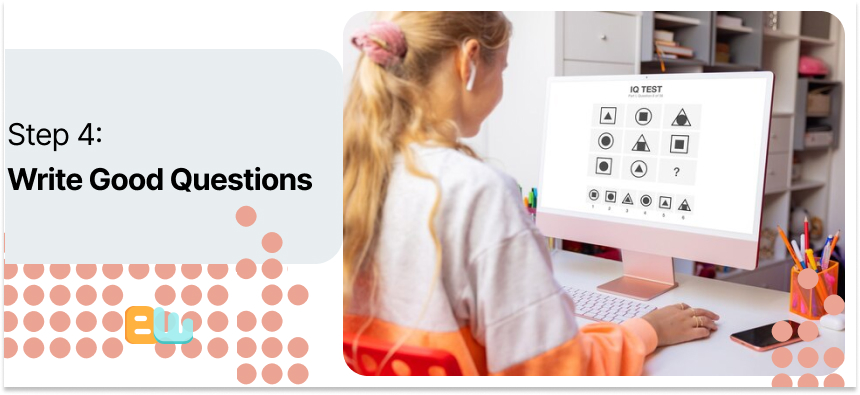
The questions are the essence of your quiz. Keep them simple and straightforward. Use plain language so that anyone can understand.
Use 5 to 10 questions. That’s the sweet spot. Short quizzes with 3 to 7 questions have 65 to 85% completion rate (Riddle, 2023). That means more individuals completing and interacting with your content.
Offer answers that don’t overlap. Make each option so unique that individuals can respond confidently. Use multiple choices for the questions, spice up the monotony by adding images and always offer open -ended questions for unique individual’s voices to shine through and help give you more ideas.
Always include a progress bar to show participants how far they’ve come and prevent boredom, this will encourage them to finish the quiz.
Good questions keep people engaged. They think they can cruise through the quiz. If your questions are properly considered and properly constructed, your quiz is more likely to convert participants into leads or achieve the objective you set in Step 1.
Step 5: Design for People First
Design your quiz with participants in mind. Keep it mobile-friendly because most people will take it on their phone.
Show one question per screen. It feels lighter and less overwhelming.
Visual cues like images or icons make choices clearer and more engaging; helping people understand topics quickly.
Test your quiz on your own phone before sharing it. You’ll spot issues that might confuse users.
Don’t forget accessibility. Follow WCAG 2.2 ( Web Content Accessibility Guidelines) from W3C (The World Wide Web Consortium). Use high contrast readable fonts and correct labels to ensure everyone can take your quiz comfortably.
A well designed quiz makes completing it much more enjoyable for the participants. They are more likely to finish and interact with your content if they are having a smooth experience. Keep in mind that your participants are real people while designing a quiz, it will make your quiz more friendly, professional, and effective.
Step 6: Collect and Use Data Responsibly
Data from your quiz is valuable, but it must be handled carefully. Zero-party data is the information people willingly share with you, unlike cookies that track activity behind the scenes.
Be transparent. Let participants know why you’re asking for their information. Add a short privacy note and an easy opt-out option. This builds trust and keeps your quiz ethical.
Recent advancements, like Google’s Privacy Sandbox and retirement of cookies, necessitate ethical data collection even more (Privacy Sandbox). Having zero-party data is a safe way to continue with personalized content without tracking people in secret.
An example is that you can say, “We’ll use your answers to provide tips just for you.” This explicitly shows them how their responses will be used and makes people comfortable with providing information.
When you collect data ethically, individuals feel appreciated. This increases quiz completion rates and enables you to get what you need while staying in compliance.
Step 7: Plan What Happens After Results
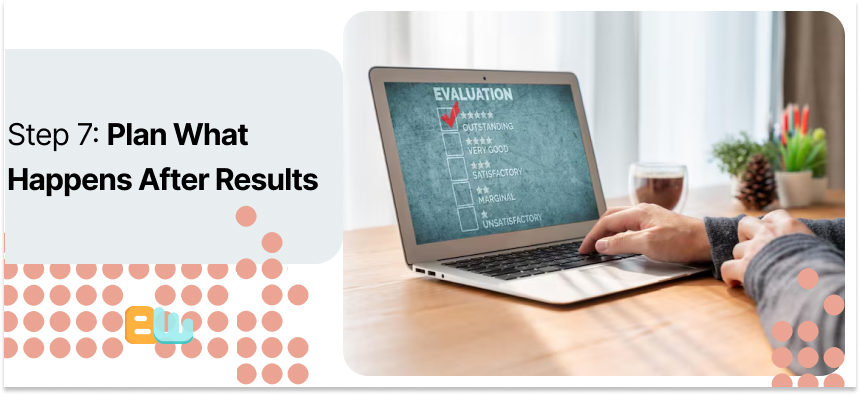
Your quiz doesn’t end with the results. They need to take people further.
It can be a product page, newsletter signup, or learning resource. The idea is to provide participants something applicable and useful afterwards.
For example, a skincare quiz can say, “Your skin type is X → here’s a care guide.” This makes people do something with their result and keeps them engaged with your content or brand.
Planning the next step makes your quiz more valuable. It turns participation into a meaningful interaction.
When you give users a definitive next step to follow, they will be more likely to stay with it and respond positively. That action gets your quiz to convert, build trust, and serve the purpose that you set in Step 1.
Step 8: Pick Your Tool
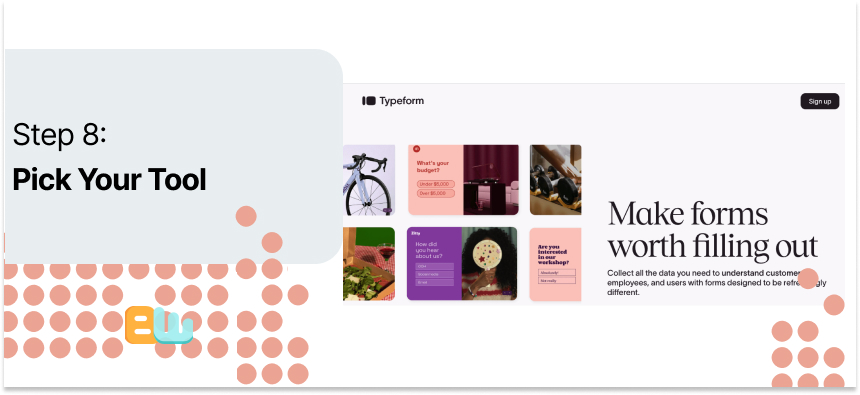
Choosing the right tool makes creating a quiz much easier. The right platform matches your needs and skill level.
Here are some options:
- Free/basic: Google Forms – simple, easy to use, works well for teachers or small projects.
- Advanced: Typeform, Interactive – offers more design options, integrations, and advanced features.
When picking a tool, look for:
- Branching logic to personalize results
- Multiple question formats for variety
- Ability to reuse questions in future quizzes
- Integrations with email or CRM systems
- Mobile app access for on-the-go management
Match the tool to your goal. The tool a teacher uses for educational features should be different from the one a business owner might use for lead generation and integrations.
The right platform saves time, improves quiz quality, and makes it easier to track results. Picking carefully now ensures your quiz is effective and enjoyable for participants.
Step 9: Launch and Share
When your quiz is ready, it’s time to publish. Put it on a page where visitors can easily find it.
Publish it on social networks to reach your audience where they already spend their time. Add it to your email newsletter to entertain subscribers. You can also try testing a popup, but be subtle so it does not annoy visitors.
Tracking performance informs you of what works. Use UTM codes, these are inserted in your quiz URLs and indicate which traffic sources lead people in.
Observing results, you can alter how you distribute and optimize engagement.
Releasing and spreading your quiz effectively enables more people to see it, complete it, and step toward the next action you created in Step 7. When your quiz is open and accessible, it is now a tool that both engages and converts.
Step 10: Improve with Testing
After going live, testing ensures that your quiz is improved. Alter one thing at a time, such as the headline, quiz length, or location on your page.
Track key metrics: start rate, completion rate, and sign-up rate. These are the figures that indicate how individuals engage with your quiz.
For instance, placing a sign-up form to be displayed after results tends to boost leads. Small tweaks can be great ones.
Compare month to month. Look at what is and isn’t working. As time goes on, you’ll see patterns and know how to increase engagement.
Testing keeps your quiz current. It assists you in achieving your goals from Step 1 while providing participants with an improved experience. Continuous improvement ensures that your quiz stays relevant, interesting, and useful.
Step 11: Learn from Real Examples
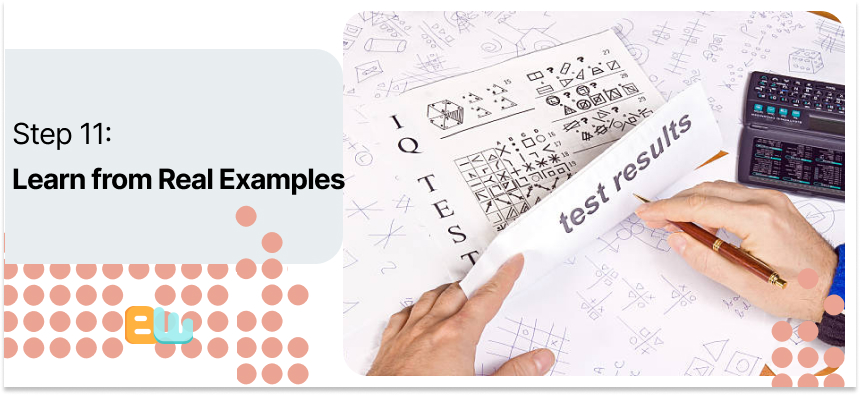
Looking at real quizzes helps you see what works. For eCommerce, a quiz like “Find your vitamin plan” gives results that guide a purchase.
In SaaS, an “Automation readiness score” quiz shows users where they stand and suggests next steps.
For education, a “Mock exam builder” helps students see which topics need practice and directs them to learning resources.
Each example ties results to an action. The participant gets value, and you achieve your goal, whether it’s a sale, sign-up, or learning outcome.
Studying these examples shows how quizzes can be practical, engaging, and goal-oriented. You can adapt the ideas to your own business or website. Real-world examples make it easier to design a quiz that works and keeps people coming back.
Common Mistakes to Avoid
A few mistakes can reduce your quiz’s impact. Asking too many questions can tire participants, and asking for personal info too early may scare them off.
Weak or boring results make people lose interest. If your outcomes don’t feel useful or engaging, completion drops.
Forgetting mobile users. People use phones more than personal computers these days so a mobile friendly design should be your first priority.
Skipping accessibility also limits your participant pool, it’s best for your results if you keep accessibility in mind.
Avoid these pitfalls so you can have a fair and easy quiz, this will make sure that participants complete the next steps you planned carefully. Giving them an enjoyable experience helps you achieve your goal in the long run.
Conclusion
Quizzes work best when they are simple, fun, and respectful. Keep questions clear, results useful, and the experience smooth for everyone.
Start small. Try one quiz first, and see how people respond. You don’t need a perfect, complex quiz to get valuable insights.
Remember that people share when they feel valued. A thoughtful quiz makes participants feel understood, which increases engagement and conversions.
Use what you learned in this guide. Pick a goal, write a few questions, design for people first, and collect data responsibly.
A small step today can lead to better connections tomorrow. Quizzes are not just about collecting info—they’re a way to engage, educate, and guide people while respecting their time and privacy.
FAQ
Is Kahoot free to create quizzes?
Yes, they offer a free plan with basic features.
Can ChatGPT create a quiz?
Absolutely. You can use it to generate questions and answers and then use a platform to share the quiz.
Can I create a quiz on Google?
Yes, Google Forms is a quick and easy way to create quizzes.
Where can I create a quiz for free?
Google Forms, Typeform’s basic plan, and Interact’s starter options are all free.
How many questions should I ask?
5 to 10 questions; shorter quizzes usually perform better.
What’s a good completion rate?
Short quizzes often reach 65–85% completion, according to Riddle 2023.
Should I gate results?
Only ask for email or personal info after results to avoid drop-offs.
Which quiz type works best?
It depends: personality quizzes are great for fun, knowledge quizzes are great for learning, product finders are great for sales.
